
 How to apply
Use one of the following methods:
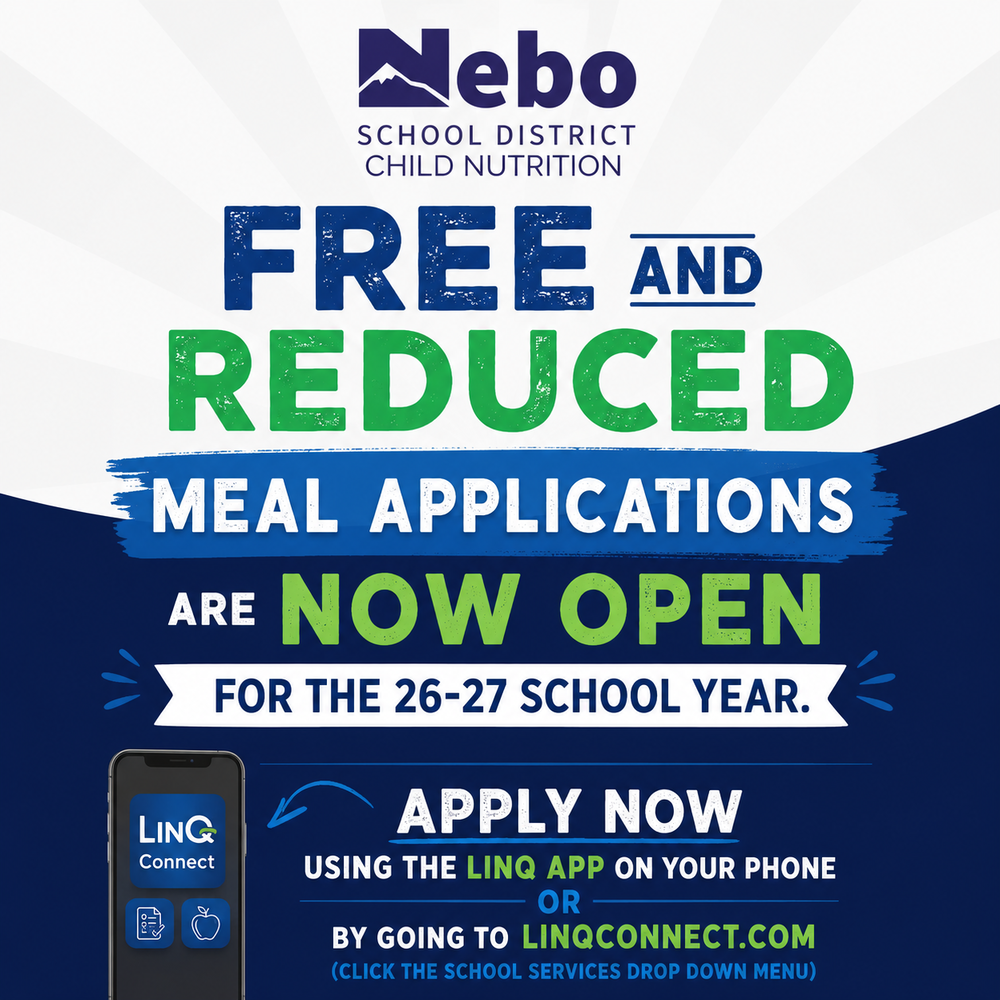
Use the LINQ app on your phone. Log into the app, scroll down and you will see "Free & Reduced Meal Application"
Or
Go to LINQCONNECT.COM, Click the "School Services" drop down menu and then choose "Free & Reduced Meal Application".
Remember, if you were free or reduced eligible last school year, you still need to apply. The eligibility does not carry over from year to year.
The CHILD NUTRITION WEBSITE has useful information and may help answer questions you may have.